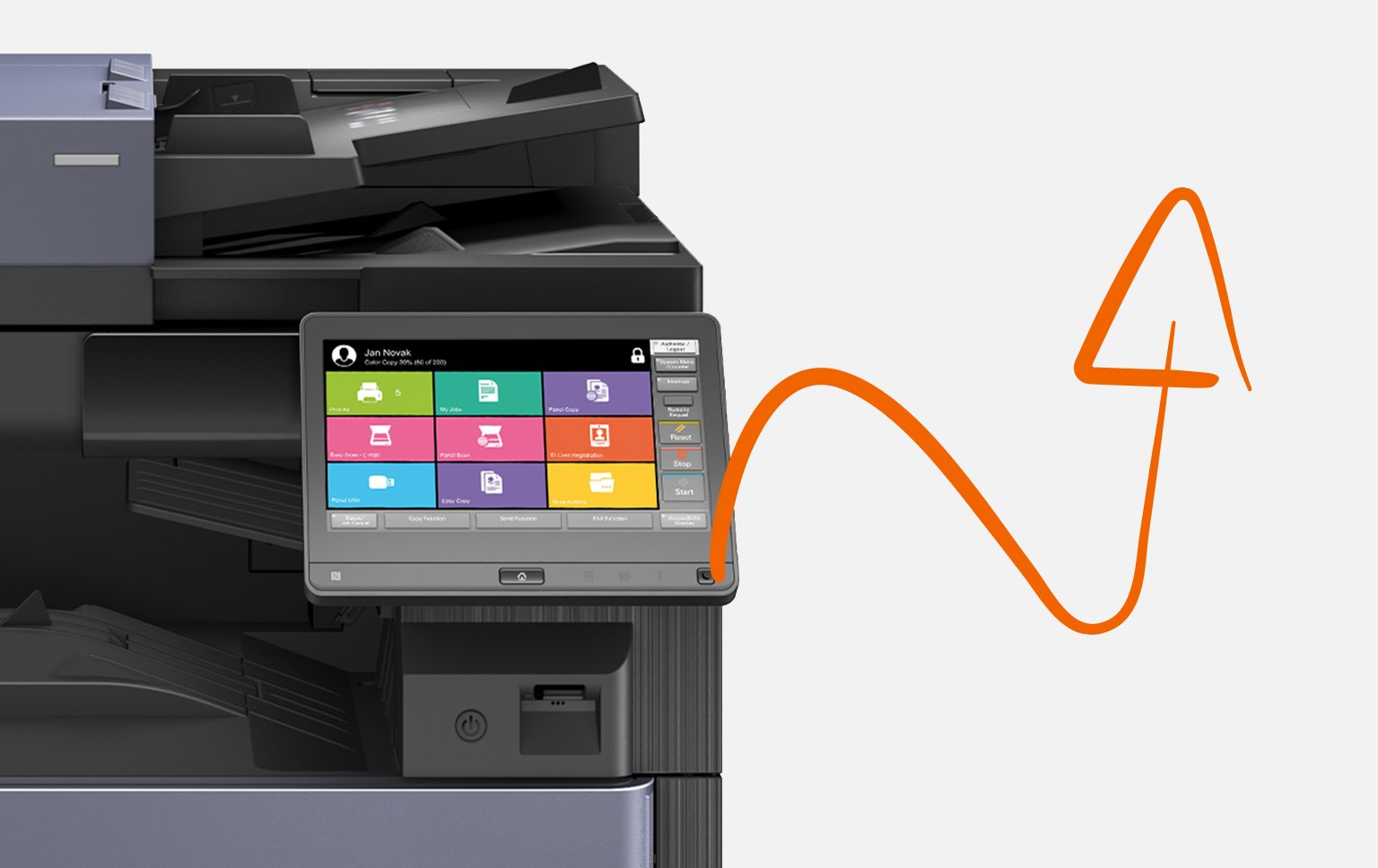
Copy, scan, print or process documents with one click.
Be productive with a personalised user experience
MyQ X is a print management solution that helps businesses automate and streamline workflows, allowing users to print and scan from a personalised UI with just a few clicks.
01
Personalised Embedded Terminal
Single-click functions shown on the MyQ home screen can be adjusted to reflect tasks that you perform most often
02
Document Security with the Pull Print function
Your documents are encrypted and printed only after you log in at any printer with your ID card, PIN, or mobile device.
04
Mobile Print and BYOD
Mobile authentication, driverless printing, and contactless mobile print release facilitates convenience and mobility.
05
Easy Scan Options
One click sends documents to a shared folder, e-mail, or to a cloud platform like OneDrive, Dropbox or SharePoint.
03
Quick Deployment
Printers in the MyQ network can be discovered and configured automatically. Setup can also be configured remotely.
06
Advanced Document Workflows
Advanced document processing, form recognition, and powerful OCR facilitate automation and increase efficiency.
Server Operating System
Windows Server 2012, 2012 R2, 2016 or 2019.
Mobile Operating System
Android version 5.0 or newer, iOS 10 or newer.
Device Compatibility
MyQ supports devices of most manufacturers on the market.
Language Support
MyQ supports over 30 languages (English, French, Spanish and more).
See what MyQ X can do
Ready to take the next step
Our support team is here to help you with any queries about Kyocera products and services.







 Printer