Insights Hub Articles
How to choose the best printer or MFP for your home office

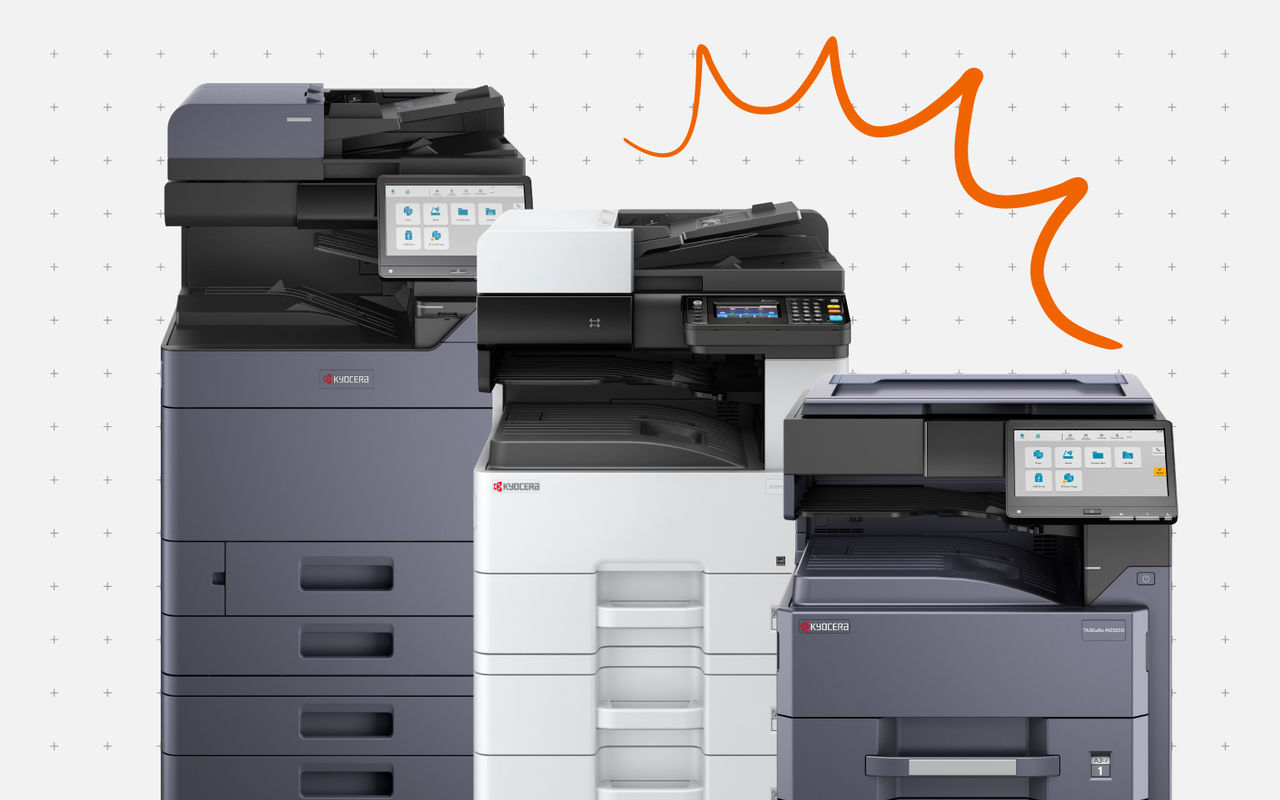
Consider factors such as size, ease of use, energy consumption, sustainability, and security.
Choosing the best home office printer requires careful consideration to meet your home office workflow needs. Key factors include available space, with compact designs being ideal for smaller setups, and ease of use, as home workers often manage technology themselves. Energy efficiency and sustainability are also essential, ensuring lower running costs and a reduced carbon footprint, while security is imperative for data protection.
Opting for an intuitive, eco-friendly printer or multifunction device (MFP), such as those from Kyocera’s ECOSYS 2600 series, will provide long-term value, efficiency, and environmental benefits. This guide will help you make an informed decision to optimise your home office with the perfect printing device.
How do you choose the best home office printer for your needs?
It is important to consider several factors before landing on a specific product, to make sure you implement the perfect home office technology for your workflows. Take into account the following factors to make the most informed decision:
- Available space: If you have limited space in your home work environment, printers and MFPs with a compact design will be preferrable over devices that take up a large amount of floor space. Desktop A4 printers and MFPs tend to suffice for more home offices.
- Ease of use: Many home workers require office technology that is simple to use and easy to install, as they need to be able to manage it themselves. Look for a device that offers an intuitive user interface and quick installation support.
- Energy efficiency: When implementing office technology at home, it is also advisable to search for printing devices that conserve energy to keep running costs low.
- Sustainability: As well as energy consumption, consider the printer or MFP’s sustainability in terms of the consumables it uses and the materials from which it is made. Devices designed to be sustainable and last the test of time will be more dependable, save you money in the long run, and help you keep your carbon footprint under control.
- Security: Ensure that any office technology you implement is equipped with sufficient security features, as a chain is only as strong as its weakest link. Often, workers forget that their printer or MFP is susceptible to data breaches and leave it unprotected. However, any data that passes through your printing device is saved in its memory and can be accessed by malicious third parties if unprotected.
The Kyocera ECOSYS 2600 series improves workflow efficiency.

Meet Kyocera’s ECOSYS 2600 series
Kyocera has recently launched a new series of ECOSYS devices that offer improved user experience with cutting-edge security features and seamless cloud connectivity in dependable, compact desktop devices with a strong focus on environmental consciousness.
The devices are as follows:
- ECOSYS PA2101cx/PA2101cwx
- ECOSYS MA2101cx/MA2101cwfx
- ECOSYS PA2600cx/PA2600cwx
- ECOSYS MA2600cx/MA2600cwfx
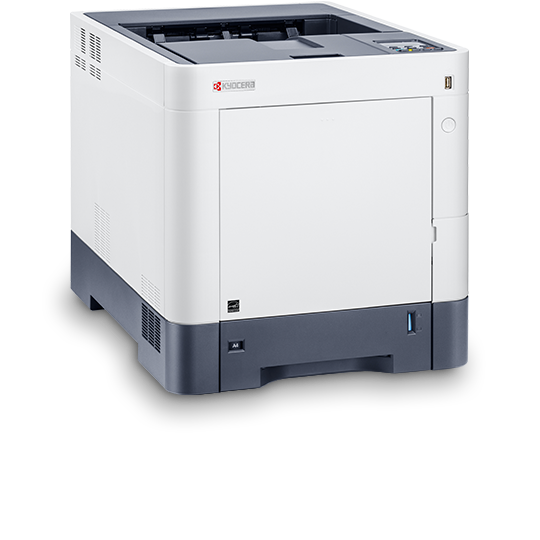
These A4 printers and MFPs are all A4 desktop devices, designed to be compact and easily integrate into a small office or home workspace. They all come with new touch panels, offering an enhanced user interface compared with previous models. Their 2.7 and 4.3” TFT screens are simple to use, even for people who are not technology experts.
Moreover, Kyocera ECOSYS devices are designed to consume less energy and switch to sleep mode quickly once idle. This saves power and reduces running costs, as well as reducing their environmental impact. They are also built with dependable, long-life parts and 5% Post-Consumer Recycled Plastics (PCR) are used in manufacturing. These sustainable devices stand the test of time, reducing the need for maintenance or repairs, further saving money and reducing their carbon footprint.
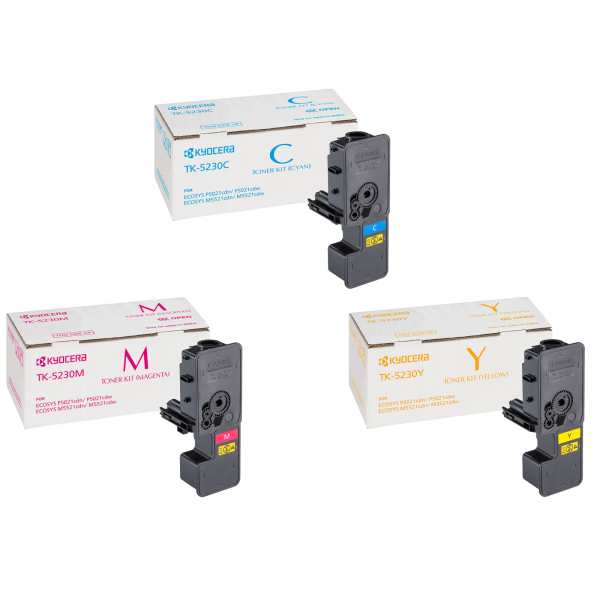
The ECOSYS 2600 series is also compatible with Kyocera’s own ecological titanium dioxide-free toner. Additionally, devices are shipped in environmentally friendly packaging, further enhancing their sustainability.
Finally, these devices are equipped with advanced security features, such as Allowlisting, Secure boot, RTIC (Run Time Integrity Check), SIEM (Security Information and Event Management), TLS1.3 support, SCEP (Simple Certificate Enrolment Protocol), an optional card authentication kit, and the optional Trusted Platform Module.
They also integrate seamlessly with your existing cloud environment. Models that do not have HyPAS enabled can link with Kyocera Cloud Print and Scan (KCPS) and Kyocera Cloud Access (KCA). These cloud platforms offer strict access permissions and encryption to keep digitised data safe. With these protections in place, your printed, copied, scanned, and faxed documents can pass from your home device to the office safely, without facing breaches.
Customer-centric innovation
Kyocera’s ECOSYS devices are designed with the customer in mind. They reduce running and maintenance costs, and can be monitored and maintained remotely by Kyocera Fleet Services. Customer-centric product design is at the heart of everything we do, and our innovative devices stand out from the crowd for providing an affordable, dependable, secure, and efficient solution for budget-conscious home workers and small businesses.
How to choose the best home office printer
To choose the best printer for your home office, it’s important to consider the space you have available and the user interface of the device, as well as its energy usage, sustainability, and security features. This way, you will make an informed decision that meets your specific needs.
When you choose a home office printer by Kyocera, you can rest assured that it supports environmental printing with sustainable product design, eco-friendly toner, and environmentally friendly packaging. The Kyocera ECOSYS 2600 series improves workflow efficiency by providing ease of use and cloud connectivity, so your home office MFP or printer can integrate seamlessly into your remote workflows. Moreover, Kyocera’s secure printers and MFPs come with various features that protect your private data from breaches.
Please contact Kyocera today if you would like support in choosing the best home printer or MFP for your needs.
 Printer